Wellbeing settings
Seven switches, all off until you turn them on: away mode, quiet hours, a weekly hour cap, a quieter way of showing money, a rate-raise nudge, your runway, and how long since your last day off.
Everything on this page is in the one plan at $14.99 a month.
Quick answer
Go Lancer has a Wellbeing section in My Account with seven settings, every one of them off by default. Four are guardrails. Away mode stops all reminders until a date you set. Quiet hours keep anything from reaching a client outside the hours and days you choose. An overwork nudge warns you past a weekly cap of 30 to 60 hours. Financial anxiety mode turns the big money figures down without hiding them. Three are a freedom check: a rate-raise reminder, how many weeks of runway you have, and the run of days you have worked without a break.
Why an invoicing app has this
The admin tools are usually what push a freelancer past their limit. Reminders go out at midnight. The dashboard shouts a big number in a month when money is thin. Nothing in the software ever notices that there has not been a day off since March.
So these are real switches, not a wellness page. Each one changes how the app behaves: when it emails, what it emails, how loudly it shows a figure, and what it tells you about your own situation.
Away mode
One switch and a date. Until that date, nothing goes out: no automatic chasing of unpaid invoices, no quiet-client follow-ups, nothing in your name. You can add a short away message. While it is on, a band at the top of every page says so, with a link to turn it off, because the worst version of this feature is the one you forget you switched on.
The reminder settings say the same thing in the other direction: away mode pauses everything in that section.
Quiet hours
A window, 6pm to 9am by default, plus whole days, the weekend by default. Nothing goes to a client during those hours. A reminder that comes due inside the window waits until it is over.
It is the difference between an app that chases your money and an app that emails your client at 2am with your name on it.
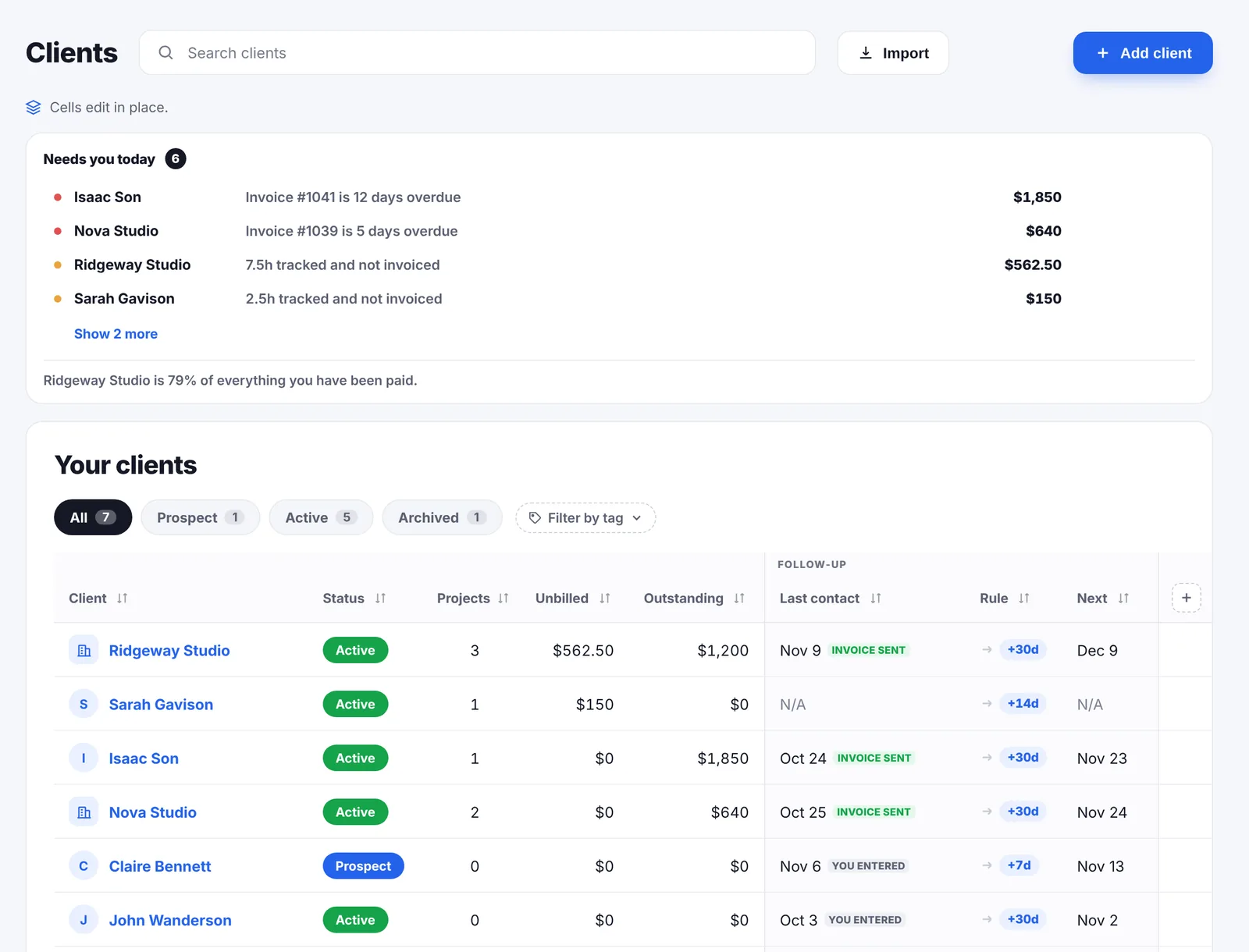
Go Lancer is like me saying: "Finally, there is a tool that can allow me to breathe."

The weekly cap
Set a ceiling between 30 and 60 hours. When your billable hours for the week go past it, a band appears at the top of the app with the hours and how far over you are. You pick how it is worded:
- Gentle. The hours and the overage, nothing more.
- Direct. It says you are over your cap, with the figures.
- Light. The figures and a question about taking a break.
It does not lock anything or stop the timer. You are an adult with a deadline; the app's job is to say the number out loud.
A quieter way to show money
In a thin month, a dashboard full of large figures is not information, it is a mood. Financial anxiety mode turns the big numbers on the money tiles down to a small grey line and leaves the sentence underneath, such as the count of unpaid invoices, at full strength. Counts, hours and project tiles are untouched.
Nothing is hidden. A freelancer who needs the figure can still read it; it just stops being the loudest thing on the screen.
The freedom check
Three settings answer questions the software can see the answer to and you usually cannot.
- Rate-raise reminder. Enter when you last raised your rates and pick 6, 12 or 18 months. Once that long has passed, a band says how many months it has been. With no date entered it stays silent rather than guessing.
- Runway. Your safety-net balance divided by the monthly baseline you need, shown as weeks in a small chip: green from twelve weeks, amber under four. Both figures stay on your device.
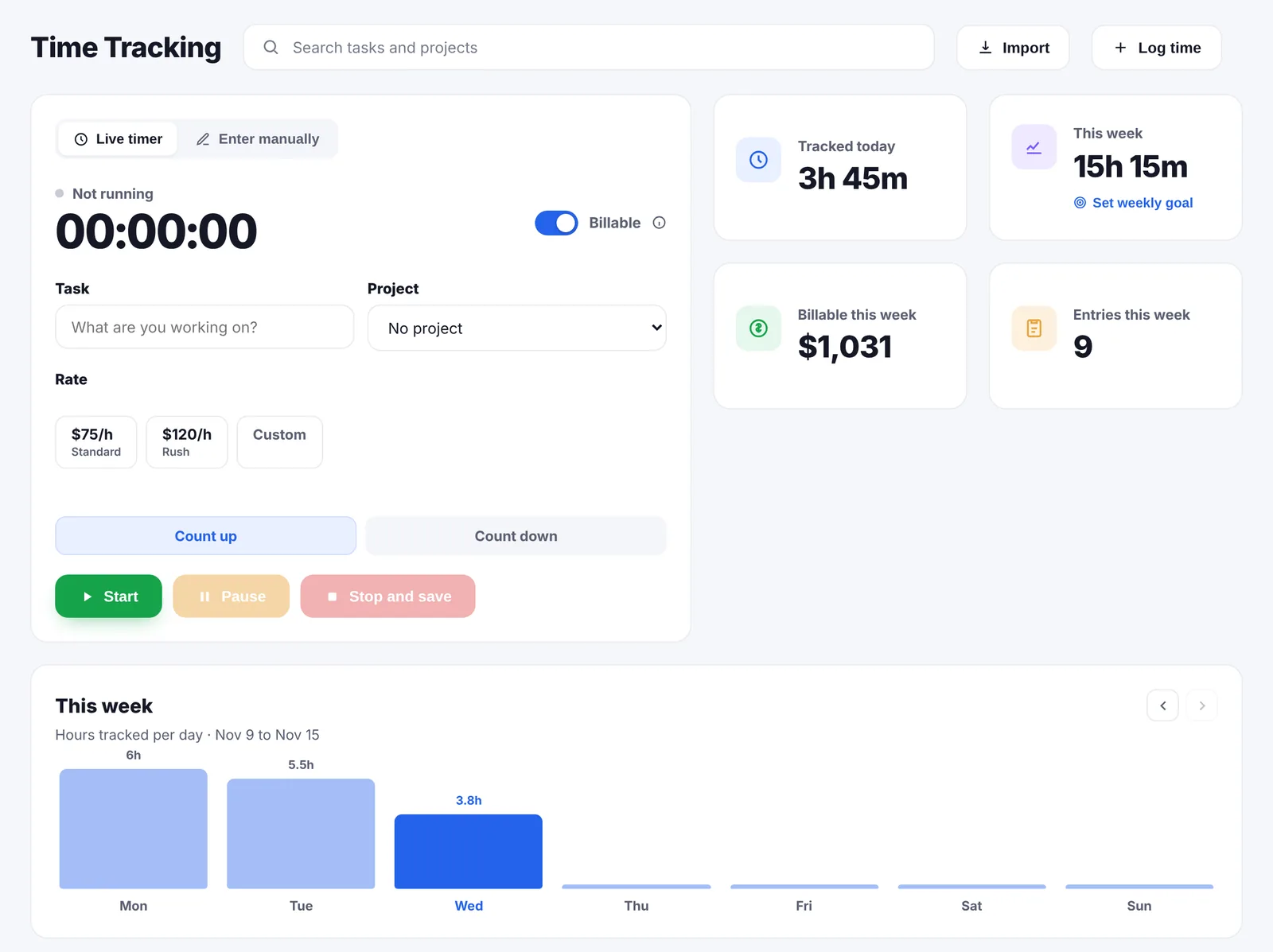
- Days off. The app counts backwards through your tracked time and stops at the first day with no hours. That run is the chip. Choose a threshold of 14, 21, 28 or 35 days and it turns amber past it.
What this is not
- Not a mood tracker. Nothing asks how you feel, and there is nothing to journal in.
- Not advice. The app reports hours, dates and a division sum; it does not tell you to rest or to charge more.
- Not a lock. No setting stops you working, sending an invoice or using the app past a limit.
- Not shared. Clients never see any of it. The runway figures stay on your device.
Questions people ask
Is any of this on by default?
No. Every switch starts off, so a new account behaves exactly as it would without them. You turn on the ones you want.
What does away mode do?
It stops every reminder and nudge until the date you set, including the automatic chasing of unpaid invoices and the quiet-client follow-ups. You can add a short away message. A band at the top of the app says it is on, with a link to switch it off.
What are quiet hours?
A window, by default 6pm to 9am, plus whole days, by default the weekend, when nothing goes out to a client. A reminder that falls inside the window waits.
Does the overwork nudge stop me working?
No. When your billable hours for the week go past the cap you set, from 30 to 60 hours, a band appears at the top of the app. You choose how it is worded: gentle, direct or light.
What is financial anxiety mode?
It turns the big money figures on the dashboard down. The amount is still there, just small and grey, and the line underneath, like “three unpaid invoices”, stays at full strength. Counts and hours are untouched. Nothing is hidden from you.
What is the rate-raise reminder?
You enter the date you last raised your rates and pick an interval of 6, 12 or 18 months. Once that much time has passed, a band appears saying how many months it has been. With no date entered, nothing is shown, because the app will not nag you about something it is guessing.
How is my runway worked out?
You enter a safety-net balance and the monthly baseline you need to cover, and the app divides one by the other into weeks. It is shown as a small chip at the top of the dashboard, green from twelve weeks up and amber under four. Those two figures stay on your device.
How does the days-off tracker work?
It counts backwards from today over your tracked time and stops at the first day with no hours on it. That is your current run of working days. Pick a threshold of 14, 21, 28 or 35 days and the chip turns amber past it.
Do these settings affect what my clients see?
Only in the sense that an email arrives later or not at all. Away mode and quiet hours change the timing of what the app sends on your behalf. None of the settings themselves is visible to a client.
Where are the settings?
In My Account, under Wellbeing. The first four are grouped as guardrails; the last three sit under a Freedom check heading. Changes save as you make them.
Can I set a weekly hours target as well?
That is a separate thing, in the income settings, and it feeds a weekly time goal tile on the dashboard. The overwork cap is the ceiling; the goal is the target.
Why does a freelance app have this at all?
Because the admin tools are what push people past their limits: reminders going out at midnight, dashboards shouting big numbers in a thin month, and nothing in the app ever noticing you have not had a day off since March.
How many hours a week do freelancers actually work?
Surveys put the typical figure near a standard week, but the spread is wide and the admin is often uncounted. The number that matters is your own, which is why a cap is worth setting against tracked hours rather than against a feeling.
How much savings should a freelancer have?
Three to six months of the baseline you need to live on is the usual advice, which is longer than most freelancers hold. Measured in weeks rather than a lump sum, it is easier to tell whether you could turn down bad work.
How do freelancers avoid burning out?
The honest answer is boundaries that something enforces, not intentions: hours that get counted, a day off that gets noticed, and software that does not email clients in your name at midnight. Nothing in an app replaces rest, but an app can stop pushing against it.
What is a financial runway?
How long you could cover your basic costs without new income, usually measured in months or weeks. It is savings divided by what you need to live on, and it is the number that decides whether you can say no to bad work.
What is scope creep, and why does it show up in the hours?
The slow growth of a job beyond what was agreed, one small request at a time, with no change to the fee. It is the usual reason a project that looked well paid ends up at minimum wage.
Keep going
Dashboard Invoicing Time tracking Clients and follow-ups Pricing Compare with other apps ADHD tax calculator About Go LancerAdmin that knows when to leave you alone
Seven days, your own clients and invoices in it, and a founder who answers email. Then $14.99 a month, cancel any time.